Quick answer
IPTV (Internet Protocol Television) is television delivered through your internet connection rather than a satellite dish or cable line. You watch live channels and on-demand titles in a player app on a TV, streaming stick, phone or computer, using a login supplied by your provider.
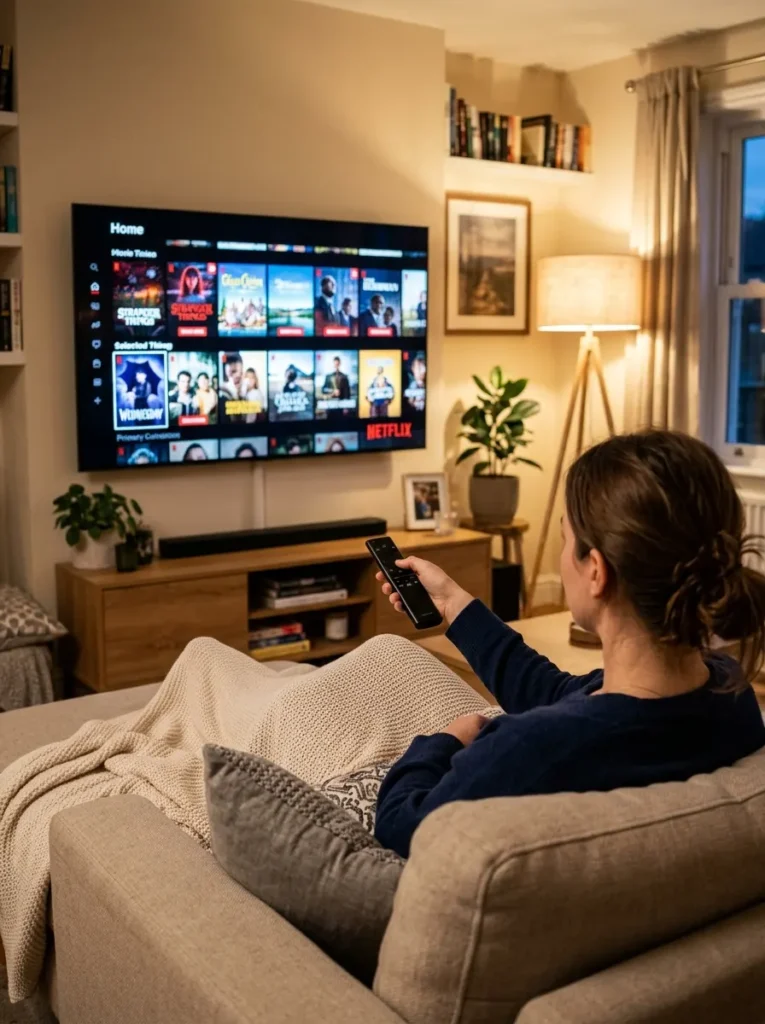
From the server to your sofa
Cable and satellite push every channel to every home at the same time. IPTV works on request. When you choose a channel, the player app asks the provider’s server for that single stream, which then arrives in small chunks over your broadband. The app joins the chunks together and plays them almost instantly.
Because nothing is sent until you ask for it, an IPTV service can carry far more channels than a cable package, as well as a large library of films and series. The flip side is that your home internet replaces the cable, so a steady connection matters.
Three types of content in one app
Live channels
Channels playing in real time: news, sport, entertainment, kids. You switch between them as you would with a remote and a cable box, usually with an on-screen programme guide.
On demand
Films and series stored on the server that you can start, pause and rewind whenever you like.
Catch-up
Recent programmes from some channels, kept for a few days. Availability depends on the channel and the player app.
What you need at home
- Broadband. About 15 Mbps per screen for HD and 25 Mbps for 4K. More detail in how much internet speed IPTV needs.
- A screen with apps. A Firestick, Smart TV, Android box, Apple TV, phone, tablet or laptop.
- A player. The provider supplies the channels; an app plays them. See which IPTV player to install.
- A plan. You receive login details, normally an Xtream Codes login or an M3U link. The difference is covered in M3U or Xtream Codes.
How IPTV compares with cable and streaming apps
Cable usually means a rented box, a contract and a fixed channel bundle. IPTV generally needs no extra hardware, works on several devices and is paid in plans whose length you choose. Picture quality depends on your home network, and each screen needs the app installed once.
Big streaming apps focus on their own on-demand catalogues. An IPTV subscription is built around live channels from many broadcasters, with on-demand content added on top.
Is setting it up difficult?
Not really. You install a player, enter your login once, and the channels load by themselves. The Thunder TV setup guides cover each device, and most people finish in about ten minutes.
Starting small
The easiest way to see whether IPTV suits your household is a short plan on one screen, tested on a busy evening. A one-month Thunder TV plan does exactly that, and the refund policy applies if the service will not work for you.